
The Smart Home Privacy Risks You Might Be Ignoring
 Admin
Admin
This post breaks down how these devices may compromise your privacy, how to tighten permissions, and which tools protect your data without disabling your tech.
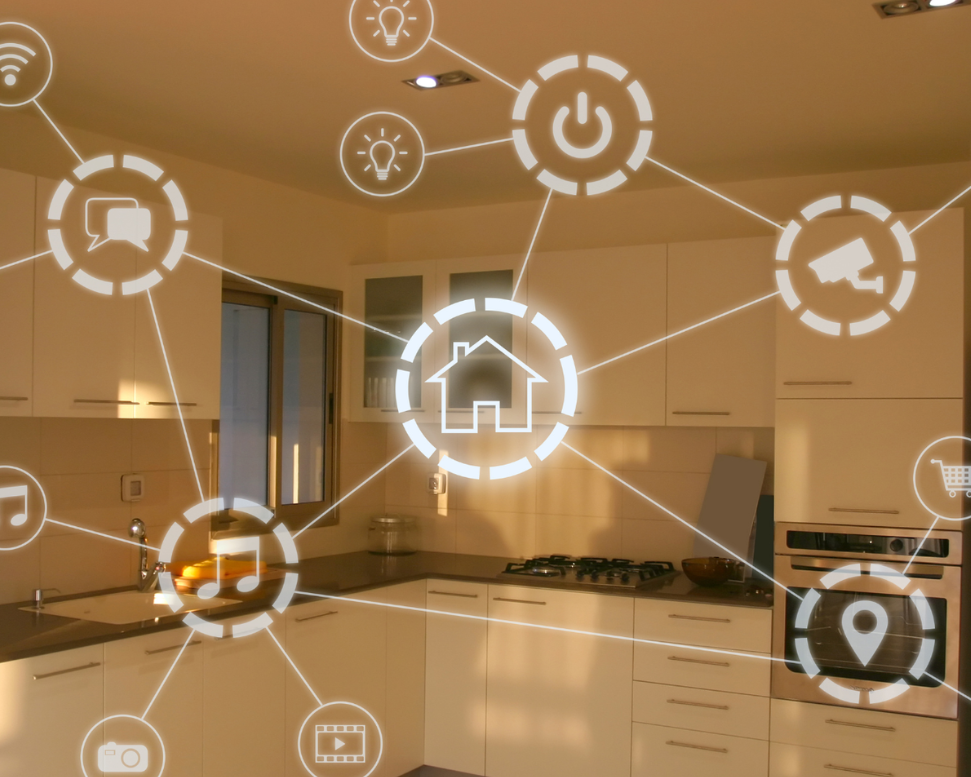
Smart homes promise ease, speed, and control. But behind the seamless automation, your smart home may be quietly recording and storing more than you think. Smart speakers, cameras, lighting systems, thermostats, even fridges collect data that extends beyond usage habits. What often feels like convenience also invites subtle privacy risks that many users never detect.
This blog exposes the privacy layers that live inside your devices and shows how to regain control of your digital space without disconnecting from the tech that keeps life smooth.
How Smart Home Devices Gather and Store Data
Smart home devices rely on constant communication. Every voice command, temperature shift, app toggle, or motion sensor event generates packets of data. Most of these devices send data to cloud servers owned by the manufacturer. The goal is usually product improvement, but some data may be shared with advertisers or used to profile consumer habits.
Beyond commands, smart systems also collect behavioral insights. How often you leave the house, when you sleep, what music you listen to, and even who visits your home can be tracked. This data builds a unique profile. Often, it's stored for long periods with no transparency on how it's used, moved, or archived.
Apps and Permissions That Go Unnoticed
The companion apps that control smart home devices often request permissions that go beyond what's needed. Some ask for contact access, location, or microphone usage even when the device itself doesn’t rely on that data. This creates entry points for data collection that users accept without checking.
Apps also run in the background, pulling updates, syncing logs, and transmitting signals even when you're not actively using them. Over time, this passive activity forms a second layer of data flow that’s rarely monitored. Revoking unnecessary permissions can stop this behavior and restrict what information leaves your phone.
Passive Data Collection Examples
- A smart TV that listens for voice triggers may collect fragments of conversations.
- Smart doorbells can store video footage, including conversations at your doorstep.
- Robot vacuums map your floor plan and transmit that layout to external servers.
- Thermostats track temperature adjustments, but also identify when the home is empty.
Each of these actions, taken alone, seems harmless. But combined, they form a detailed digital portrait of your daily routine.
Which Devices Are Most Vulnerable
Not all smart home devices carry the same level of risk. Some connect directly to cloud servers without strong encryption. Others lack updates, leaving them exposed to common exploits. The most vulnerable include:
- Low-cost security cameras with no two-factor authentication.
- Generic smart plugs and bulbs from unknown brands.
- Voice assistants that always stay in listening mode.
- Smart TVs with default factory login credentials.
The risk isn’t just with unknown brands. Even popular devices can create exposure if they aren’t configured correctly.
Privacy Settings You Should Change Today
- Disable voice recording history in your assistant app settings.
- Turn off external access for devices that don’t need remote control.
- Opt out of ad personalization wherever the platform allows.
- Delete stored video or voice logs every week.
- Set up local-only modes if supported.
Each of these actions reduces the surface area that smart home privacy concerns exploit.
Tools to Monitor Traffic (Firewalls, Filters)
Installing a smart home firewall or router-level filter provides insight into which devices are communicating and where. These tools show traffic destinations, allowing you to identify unusual or constant connections to unknown servers.
Some tools to consider:
- Firewalla: home firewall that alerts you to suspicious device behavior
- Pi-hole: filters DNS requests and blocks known trackers
- Eero Secure or Ubiquiti: offer built-in traffic analytics and threat detection
These tools reveal how smart home devices and privacy relate in ways most dashboards won’t show.
Best Privacy-Focused Alternatives
Not all smart devices treat privacy as an afterthought. Some brands prioritize encryption, local storage, and user control from the start.
Examples include:
- Eufy: offers local video storage with no cloud backup required
- Home Assistant devices: run entirely on local networks without cloud dependency
- Netatmo: avoids ad tracking and minimizes data collection
When choosing a new product, check for data transparency policies, encryption standards, and whether the device runs locally by default.
How to Create Isolated Networks
An isolated network separates smart devices from personal devices like phones and laptops. This reduces the chance of cross-device tracking or a compromised device spreading issues.
Set up a guest network for all smart home gear. Assign static IPs where possible, and disable device-to-device communication unless required. Many modern routers include network segmentation tools, these only take a few minutes to set up but add a strong layer of defense.
User Stories of Privacy Leaks
- A user found hours of personal audio stored in their smart speaker history.
- A smart baby monitor was accessed externally because default credentials were never changed.
- A TV app sent viewing data to multiple ad servers despite privacy settings.
These stories aren’t rare. Forums and reviews are full of users who discover that their smart devices and privacy expectations don’t match.
Quick-Start Privacy Checklist
- Review and remove unnecessary app permissions
- Disable cloud backup when not essential
- Turn off voice recording and video archiving by default
- Use a firewall or router filter to watch traffic
- Create a separate smart device network
- Always change factory default credentials
- Update firmware regularly
Smart home devices are here to stay. But privacy should evolve with them. Small adjustments to your setup, along with a clear understanding of what your devices record, can keep your space both smart and secure.
Follow StyleAndStrong, your go-to source for clear, valuable insights on home and tech.